
AI rap video
generator
Choose a template. Add your photos. Make it yours.
Make it yours
See what you can make
All memes →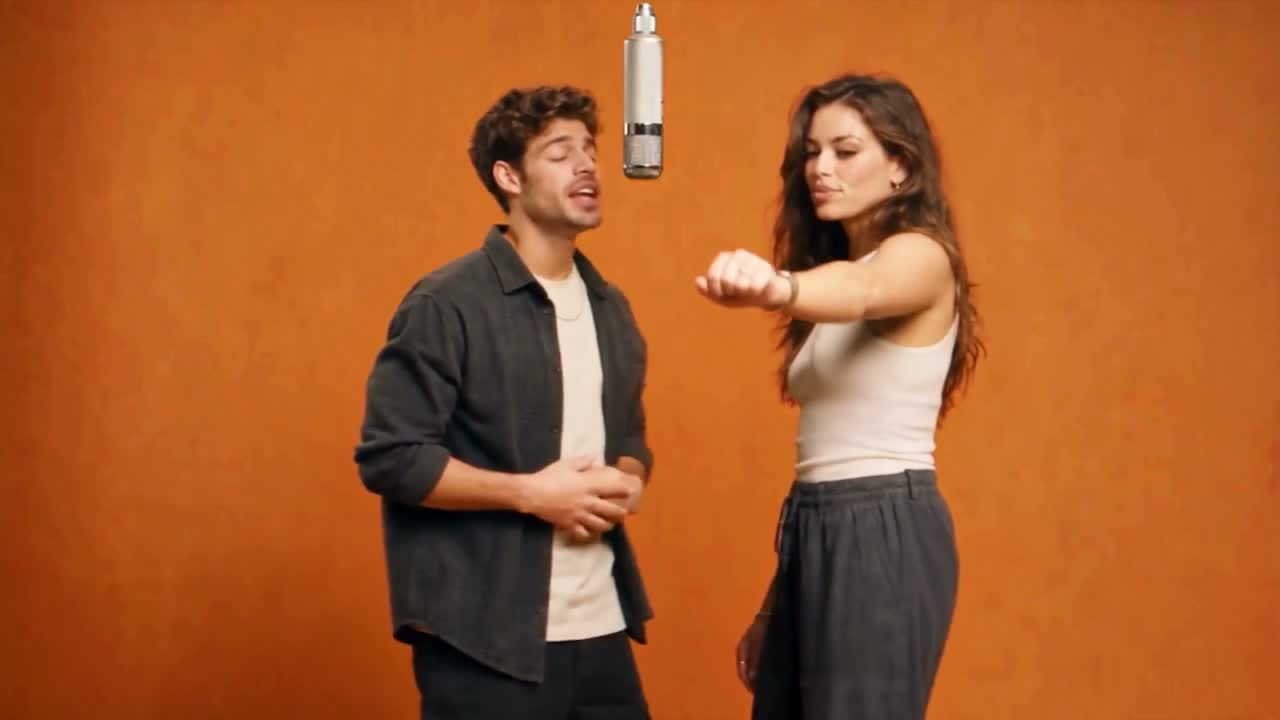
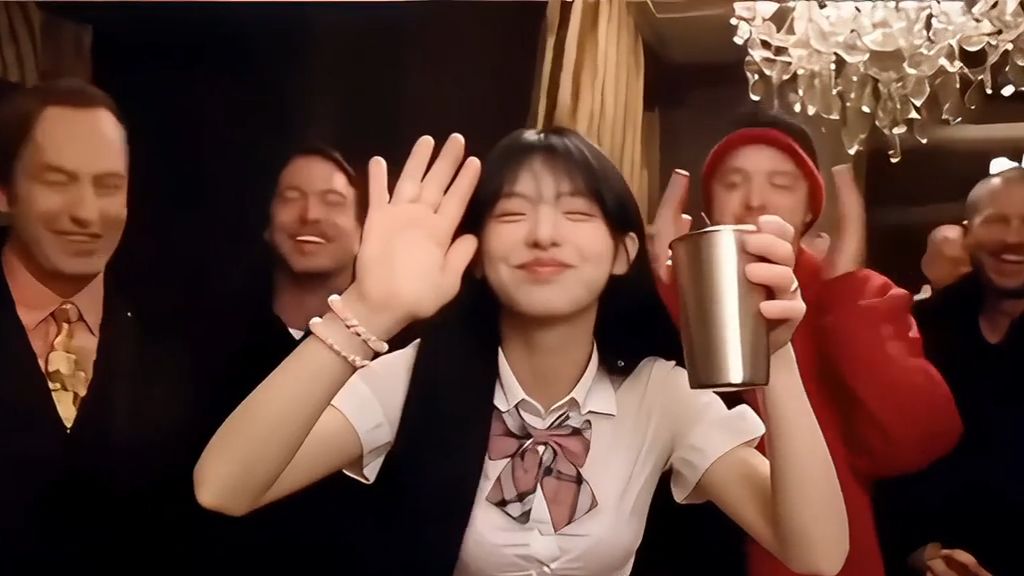
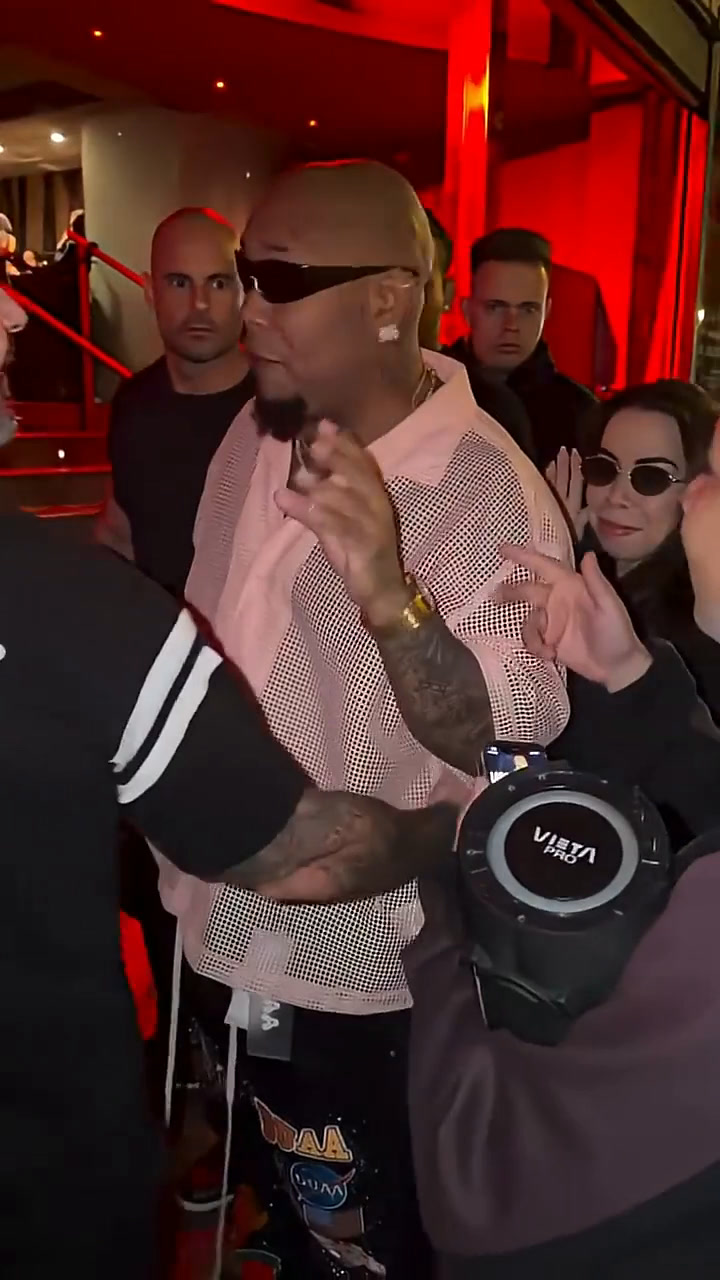
Your photos, your rap performance
Starwind is an AI rap video generator: choose a meme template, upload a clear photo, and the AI puts you into the performance with the beat and camera moves.
Pick a solo or duo template, add your photo, and create a rap performance to review. No filming or song upload needed.
How it works
- 01
Pick a meme
Compare the preview’s scene, photo count and output shape. The AI rap video generator uses your selected template as the starting point, so choose a performance that fits the photo and clip you want to make.
- 02
Add your photo
Use one clear adult portrait per photo slot, with even lighting and no sunglasses or masks. To guide the outfit, use a half-body or full-body photo and describe clothing outside the frame in the optional outfit field.
- 03
AI does the rest
Confirm your photo permissions and review the live quote before submitting. Video generation uses credits at the selected template’s quoted rate. Different templates and quality settings can have different costs.
- 04
Post it
Find your job and result in My creations. Review the full performance, including the face, clothing, movement and sound, before downloading the MP4. Check whether your intended post needs a crop or different layout.
Credits, not contracts
See pricing →Choose a performance before you choose a photo
An AI rap video generator starts with a performance choice. A solo party scene and a studio duet have different framing and movement. Play the preview, then compare the photo count, duration, aspect ratio and quality choices.
What a photo can guide in your rap video
Your portrait supplies a reference for the person, rather than frame-by-frame instructions. The AI rap video generator can change facial details, clothing and motion. Start with a sharp original instead of a tiny face enlarged from a group picture, and judge the moving clip rather than a single still.
Match the output to the place you want to post
An AI rap video generator does not make every template vertical. Read the aspect ratio, resolution and duration beside the preview. A landscape duet may need reframing for a vertical post. Cropping can remove a performer or a moving hand, so plan for the whole scene.
Make the next generation a useful comparison
Use the AI rap video generator with one change in mind. Try a better-lit portrait or another scene if the framing does not suit your subject. Changing photo, template and quality together makes comparisons harder. Check each new quote rather than assuming a retry is free.
Choose a specific goal: a duet with a friend or a solo clip for a group chat. This photo-based workflow supplies a performance without filming it yourself. Choose a starting point from the previews, then evaluate your finished video before posting.
Choose your next rap video
FAQ
Is Starwind free? What exactly is free?
Yes, Starwind lets you browse template previews without paying generation credits. Creating a personal video requires sign-in and enough credits for the selected quote; watching an example is not a free personal generation. Check your actual account balance before submitting, because registration-credit settings do not establish a recurring free allowance.
How much does a full video cost?
Starwind quotes each full video by template and resolution, rather than using one fixed rate. Current one-time packs are Taster: $4.99 for 50 credits; Mini: $9.90 for 100 credits; Plus: $24.90 for 300 credits; Max: $59.00 for 800 credits. Compare the displayed generation quote with your balance before submitting; buying credits does not make an unavailable template ready.
Do I need to sign up or log in?
Yes, Starwind requires sign-in before the actual photo upload and generation submission. You can browse previews and choose a photo locally first; the generator keeps that draft in your browser while you sign in. Downloading through the site also requires your account and checks that the task belongs to you.
Will my photo be sent to an AI service, and how can I delete it?
Yes, submitting a generation to Starwind uploads your photo and gives the selected AI service access to process it. Selecting a photo alone prepares a browser draft. Request file or account deletion through Privacy; removing a creation from history does not establish that stored files, provider copies and backups have all been erased.
Will the AI rap video look exactly like my photo?
No, Starwind does not guarantee an exact likeness, unchanged clothing, identical movement or the original voice. Your portrait guides a template-based synthetic performance. Watch the preview and check the selected model, resolution and format before generating, then inspect the entire moving result and listen to its audio before deciding whether to share it.
What photo formats can I upload?
Starwind accepts JPG, PNG and WebP photos up to 10 MB each, with a shortest side of at least 512 pixels. Use one clear adult per photo slot, stay within the 40-megapixel limit and avoid animated WebP. Check the actual file contents and dimensions rather than renaming an unsupported extension before uploading.
How long does it take to make a rap video with AI?
Starwind does not promise a fixed completion time for generated videos. Follow the submitted task in My creations while generation and any audio processing continue. A slow status update or network error is not proof of failure; check the existing task before submitting another separately quoted generation, and contact Help about an unresolved request.
What format is the download? Is it ready for TikTok or Reels?
Starwind downloads completed videos as MP4, but that alone does not establish readiness for every TikTok or Reels post. Check the template’s aspect ratio, review the entire clip and prepare any crop or layout in your editor. Follow the destination’s disclosure and content rules, and verify your image, music and template permissions before publishing.
Can I use the videos commercially?
Yes, Starwind permits commercial use only to the extent allowed by applicable law, your input permissions, template rights and the relevant model licence. Buying a generation does not itself license an original song, trademarked character or another person’s likeness. Check the rights required for your particular post or monetization plan before publishing the result.
Do I get credits back if a generation fails?
Yes, confirmed technical failures in Starwind qualify for credit restoration; content-safety and copyright rejections are excluded. A pending request or uncertain submission needs a status check before it can be treated as failed. Check your task and balance, then contact Help if restoration is missing; a new generation is a separate quoted task.
Is this a subscription, and can I get a payment refund?
Starwind currently sells one-time credit packs rather than an automatically renewing subscription. The Refund Policy allows an eligible unused-pack request within seven calendar days of payment, subject to its conditions and mandatory consumer rights. Monetary refunds are reviewed manually and differ from generation-credit restoration; resolve pending tasks and include order details when contacting support.