
Make a Hotel Lobby AI rap duo video
Make a Hotel Lobby AI duet from two authorized adult portraits. Preview the selected scene, check its output settings and review the current credit quote before generating.
Make it yours
How to make your Hotel Lobby AI video
- 01
Add two photos
Place one adult portrait in each slot. Left and right follow the two performers in the preview.
- 02
Check the quote
Review the current credit quote and confirm your image permissions before submitting.
- 03
Find your result
Check My creations for the completed 16:9 MP4 with audio.
What is the Hotel Lobby AI trend?
A two-person rap performance with an orange backdrop and a hanging microphone.
Choose a Hotel Lobby AI scene for two people
Hotel Lobby AI on this page is a photo-based duet workflow. The Orange Booth Duo preview shows the staging that your two portraits will guide: two performers, an orange setting and a hanging microphone. Watch the complete preview before uploading. It is a reference for the selected template, rather than footage of a result already made from your photos.
Choose this page when the relationship between two people is the point of the clip. A friend, partner or collaborator can occupy the other slot when you have their permission. You do not need to film yourselves together. Each portrait supplies a separate subject reference, so the two adults can start from photographs taken in different places.
A Hotel Lobby AI video follows the selected scene instead of giving you a timeline editor. The preview helps you decide whether its performance, framing and mood suit your idea. If you want one person in a party performance, compare the solo examples in the meme catalog before spending credits on a duo.
Prepare the left and right portraits
Put one adult in each image and check the slot labels before generating. Left and right refer to the performers shown in the preview. Two clear photographs are more useful than a group photograph in which the system must guess the intended subjects. Avoid an image with another face visible in a mirror or in the background.
For a Hotel Lobby AI duet, a sharp face and a readable outfit give the model more useful reference material. Use a half-body or full-body photo when clothing matters, and use the optional outfit details for clothing outside the frame. These are references, not a promise that every garment or facial detail will survive the generation unchanged.
Check the actual image file rather than relying on a tiny thumbnail. Faces hidden behind sunglasses, hair, hands or deep shadow are harder to interpret. Choose a better original photograph instead of repeatedly enlarging a blurry crop. The uploader displays accepted file types, the maximum file size and the minimum dimensions before you submit.
Review the scene, quote and finished duet
Your Hotel Lobby AI order uses the quality options and credit quote shown for the selected template. Changing quality can change the cost. Review the refreshed quote and your available credits before submitting; the credit packs on the pricing page fund your balance, while the template determines the cost of an individual generation.
Read the output details beside the preview. A landscape duet is not automatically a portrait social clip just because you plan to post it on TikTok. If your destination needs another frame, review the downloaded video in an editor and check both performers throughout any crop. Do not cut away one person or the microphone simply to fill the screen.
After generation, open My creations and inspect the entire Hotel Lobby AI video. Check the faces, clothing, movement and audio before sharing. Generated results can differ from the reference scene. For another attempt, change one input problem at a time so you can judge whether the new photograph improved the outcome.
Plan your next video
Tips for best results
- Use a sharp, front-facing photo with the whole face visible.
- Even light works best — avoid strong shadows, sunglasses and masks.
- One adult per photo. For duo templates, upload two different people.
More rap memes
All memes →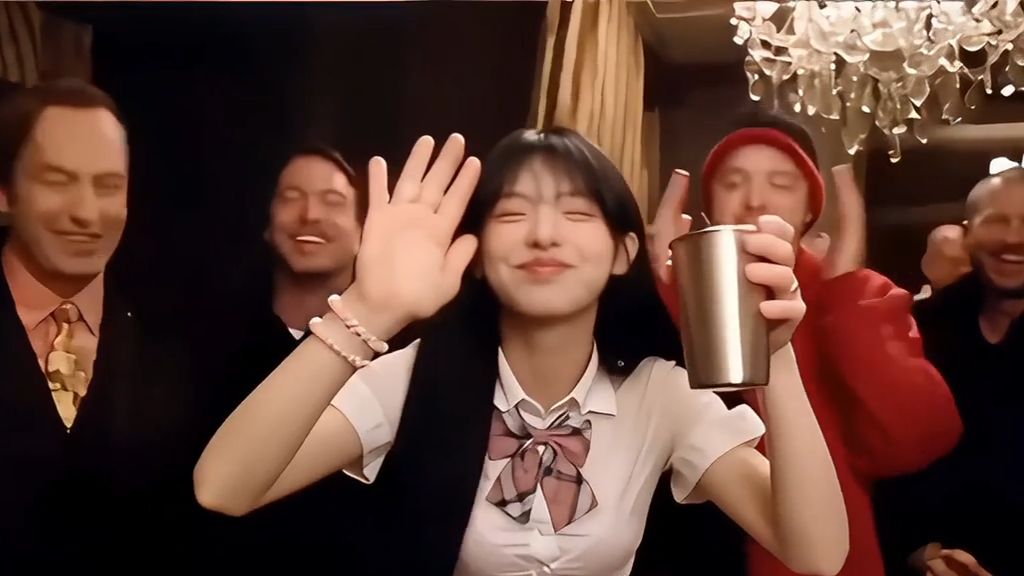
FAQ
Can I make the Hotel Lobby AI video with Starwind?
Yes, Starwind has a Hotel Lobby AI landing page for the published template associated with that scene. Open its preview, check the requested photo count and current output settings, then review availability and the credit quote before generating. A scene reference does not grant permission to use an original recording or another performer’s likeness.
Is this face swap or a newly generated performance?
Starwind uses AI generation to transform the selected template with your reference portrait, rather than promising a face-only replacement. The character workflow can replace face, hair, clothing and other appearance details while using the reference video for motion and framing. The resulting performance can vary; it is not a guarantee that every source frame stays unchanged.
Can two people rap together in the same frame?
Yes, Starwind supports two-photo templates that place two referenced adults in one shared performance scene. Supply a separate clear portrait for each slot and follow its assigned position before submitting. Review the example and final movement, because the scene’s presence of two performers is not a promise of identical facial detail or synchronized mouths throughout every result.
What photos should I use? Can I use one photo or two?
Use one clear adult portrait per slot in Starwind; the selected template requests one or two photos. For a duo, provide separate portraits and follow the left and right slot labels rather than uploading a group photograph. Choose visible faces and images you are permitted to use; likeness and clothing can still change in the generated performance.
Do I get credits back if a generation fails?
Yes, confirmed technical failures in Starwind qualify for credit restoration; content-safety and copyright rejections are excluded. A pending request or uncertain submission needs a status check before it can be treated as failed. Check your task and balance, then contact Help if restoration is missing; a new generation is a separate quoted task.
What is the output format?
Starwind creates a 15-second 16:9 MP4 with audio. The selected template offers 480p / 720p quality. Review the player and quote before generating; results can differ from the example. Use this template’s current settings rather than assuming another scene has the same output.