
Make your Burning Bridges AI video
Upload one character photo. We automatically create the character appearance, animate the performance and add original rap. Background guests stay in the scene.
Make it yours
How to make your Burning Bridges video
- 01
Upload your character
Use one authorized adult character photo showing a clear face and the clothing you want.
- 02
Check your quote
Choose a resolution and check the credits before generating. Appearance preparation runs automatically.
- 03
Download your video
Get a 15-second landscape MP4 with original rap. The source soundtrack is removed.
What your Burning Bridges AI video uses
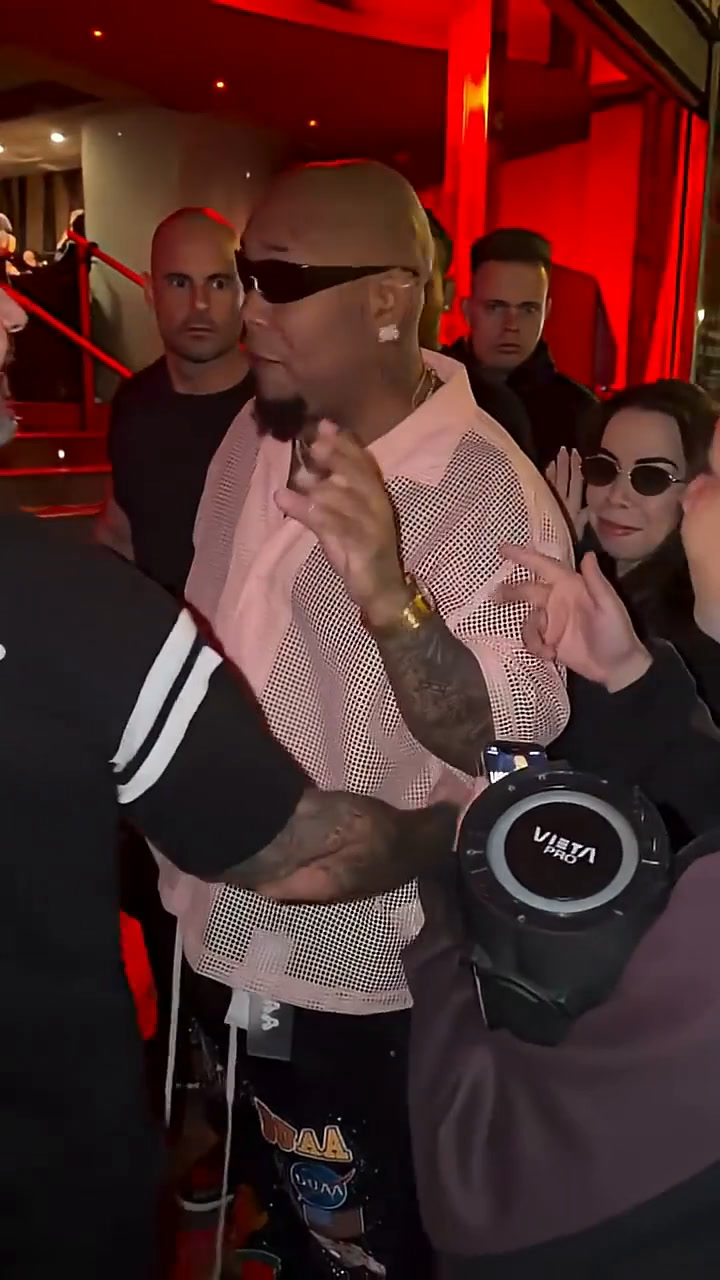
A Burning Bridges AI video starts with one portrait and a selected performance template. The supplied photograph guides the foreground character while the template supplies the scene and action. Browse the examples on this page to decide which performance fits your idea. A preview is a reference for the template, not a guarantee that your generated character will look identical in every frame.
Choose this workflow when you want to place one adult into a staged rap performance without filming a separate action video. Your input is a still image. The service does not need a video of you performing the moves, and this page does not provide a timeline for manually placing every gesture or camera move.
The available Burning Bridges AI video variants can have different quality options and credit costs. Check the selected variant rather than applying one example’s settings to the entire collection. You can compare the scene before signing in, then use the current quote to decide whether to proceed with your own authorized portrait.
Choose a character reference that can be read clearly
Use a clear photograph of exactly one adult who has agreed to the creation. A recognizable face, good light and enough visible clothing provide more reference information than a tiny face crop. If an outfit matters, use a half-body or full-body photograph and describe details outside the photo in the optional outfit field.
For a Burning Bridges AI video, inspect the original image at a useful size. A large file may still contain a blurry face or deep shadow. Avoid masks, strong reflections and other people in the frame. Enlarging a small crop does not create the missing detail, so choose another original image when key features are unclear.
Treat appearance matching as a reference-guided process. Clothing, small facial details and movement can change in the output. The best input is one that makes your intended subject unambiguous, rather than an image that depends on the model guessing who should perform. Keep another authorized portrait available if you want to compare input choices later.
Check the performance and audio before sharing
Watch the Burning Bridges AI video preview with sound before choosing a variant. Read the selected template’s output dimensions and resolution beside the player. The current record determines the generated format; a clip intended for a social platform does not automatically become vertical or match another template’s quality settings.
The generation workflow can produce its own audio rather than preserving a source recording. Listen to the completed result instead of assuming the example guarantees a particular song, voice or lyric. If your project depends on a specific soundtrack, decide whether you need a separate editing workflow before ordering this performance.
Review the finished Burning Bridges AI video in My creations. Check the entire character, including clothing and movement after the first frame, and listen through the end of the clip. If you plan to crop a landscape performance for a vertical post, keep the face and moving body inside the frame and review the sound separately.
Plan your next video
Tips for best results
- Use a sharp, front-facing photo with the whole face visible.
- Even light works best — avoid strong shadows, sunglasses and masks.
- One adult per photo. For duo templates, upload two different people.
More rap memes
All memes →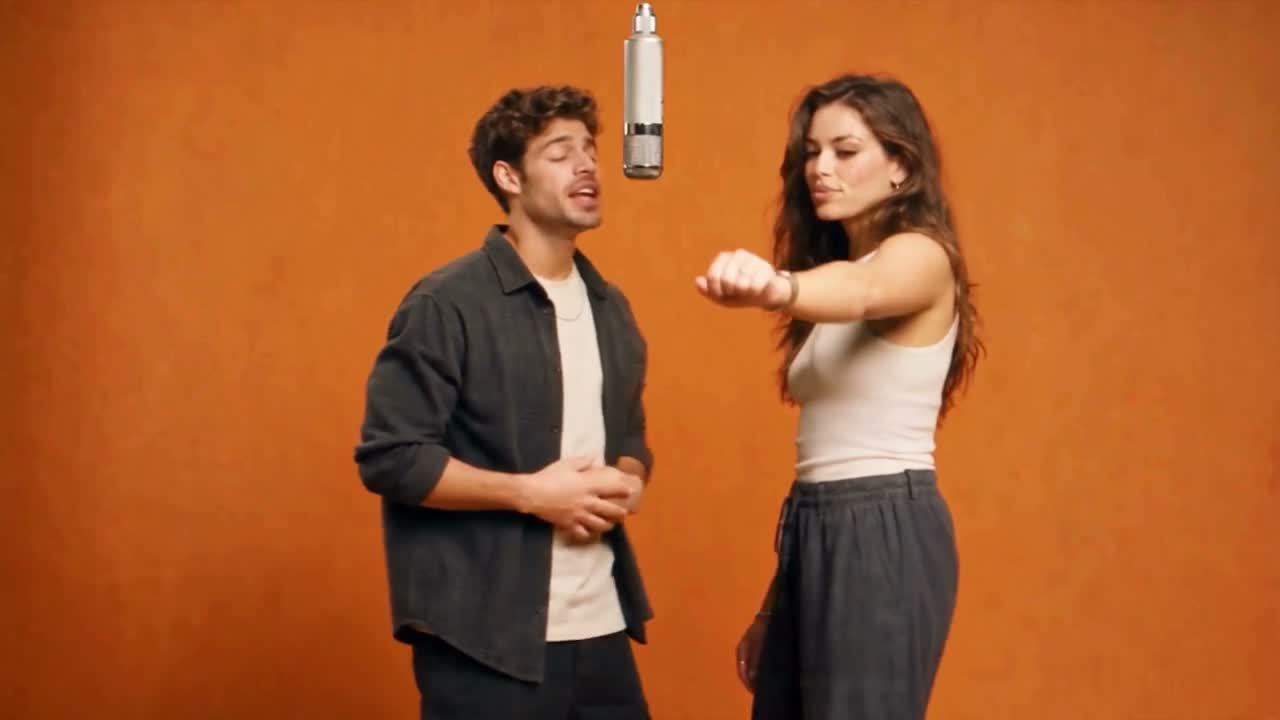
FAQ
Which person is replaced?
The foreground performer is replaced, including face, hair and clothing. Background guests remain.
Do I need to confirm an intermediate image?
No. Appearance preparation and video generation run automatically after you submit.
Is the original soundtrack used?
No. The source soundtrack is removed and replaced with a separately generated original rap track.
Can I preview this Burning Bridges AI video before buying credits?
You can browse the Burning Bridges AI video preview and prepare your portraits before purchasing. Generating your own result uses the current template quote and requires sign-in, photo permissions and sufficient credits. Compare the available credit packs on the pricing page, then return to check the selected quality. Browsing an example does not create a free personal video.
What photos should I use for this template?
Use one clear portrait of an adult whose image you are allowed to use. Choose sharp, well-lit photographs with an unobstructed face and readable clothing. Follow the uploader’s type, size and dimension limits. A clearer original is more useful than enlarging a tiny or blurred crop.
What should I check before posting my video?
Watch the whole result in My creations before sharing. Review faces, clothing, movement and sound, and confirm the 16:9 frame works for your destination. If you crop it in another editor, keep the performer visible throughout the motion. Generated details may vary from your references and the template preview.